
RACE Mode
Compete alongside AI opponents. Your finishing position matters, with race progression and opponent information in the HUD.
Take the wheel, chase the perfect line, and build roads of your own. PA1 Race 3D combines arcade-style racing with a creative Level Editor where you can shape tracks, choose environments, place scenery and test your creations.
Race ready-made routes or switch to the Level Editor to create your own. Build the road, bring the world to life with DEKO scenery, validate the layout and jump back into Racer to test it.
Compete alongside AI opponents. Your finishing position matters, with race progression and opponent information in the HUD.
Focus on completing the route and your total time. The result emphasizes the time you achieved rather than a normal starting-grid position.
Create and manage user tracks, edit curves and slopes across ranges, place markers, decorate the roadside and test your changes.
Choose the road character that suits your idea: flowing highways, suburban streets, village roads, rolling hills, countryside or relaxed scenic routes. Track environments add their own atmosphere and roadside details.
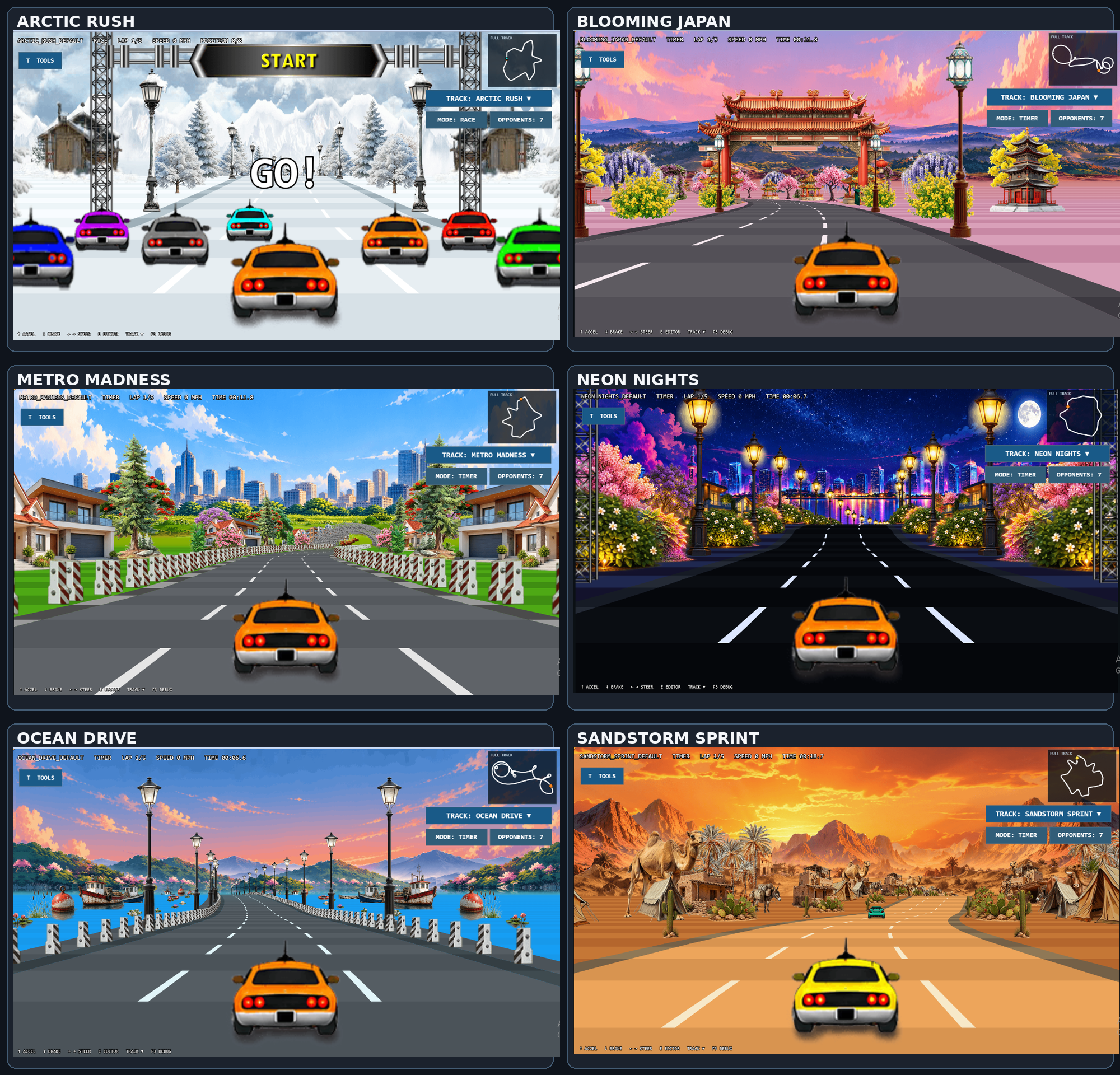
The editor workflow from the PA1 Race 3D Level Editor & Racer User Guide: build the road, decorate it, validate it, test it in Racer, refine it and save.
Open Tracks → New Track. Give your track a normal name, choose Closed Loop or Straight, set difficulty, environment, segment length, TIME or RACE mode, and track end behavior. Avoid names ending in _default, which are reserved for shipped tracks.
Select a start and end segment, choose a curve and/or slope preset or custom value, then apply the range. Longer ranges and eased transitions help make hills feel smooth.
Choose scenery from the selected environment, assign it to LEFT or RIGHT, then choose FAR, MID or NEAR depth. Use patterns such as every segment, intervals, alternate or random when available.
Place START, CHECK POINT and FINISH markers as needed. Use SECTIONS to jump through long tracks and inspect different ranges.
Use TOOLS to validate or generate track data, then use Race (~) to return to Racer and test the current track. Use Undo / Redo while refining.
Save when the road and scenery look right. User-created tracks are stored in that browser profile, not automatically uploaded to the game's packaged files or GitHub.
Match roadside decoration to the world you're building. The available DEKO libraries include general-purpose scenery, urban buildings, illuminated night props, desert plants, winter scenery, water-side objects and Japanese-themed details.
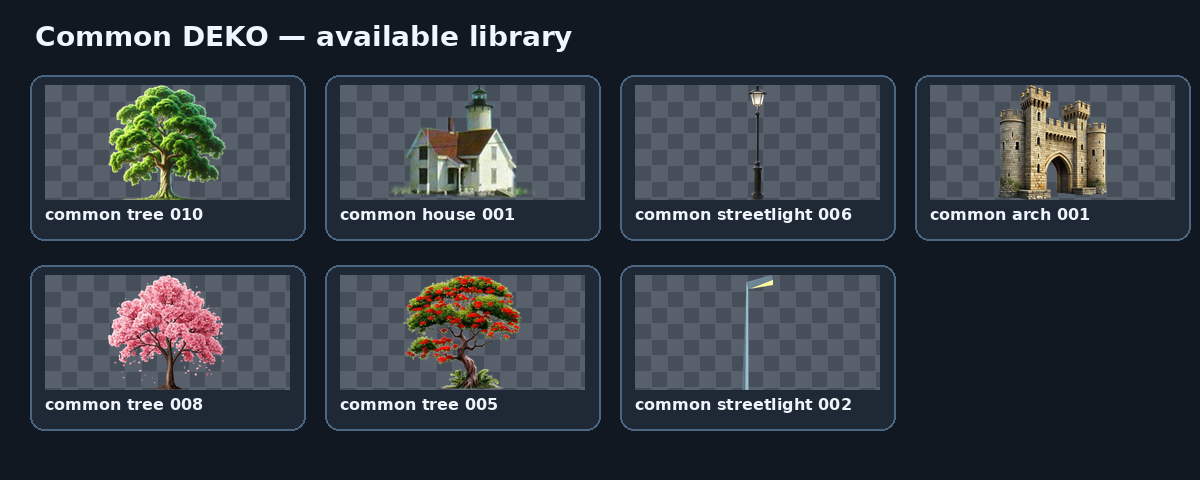
Reusable trees, streetlights and general roadside scenery.
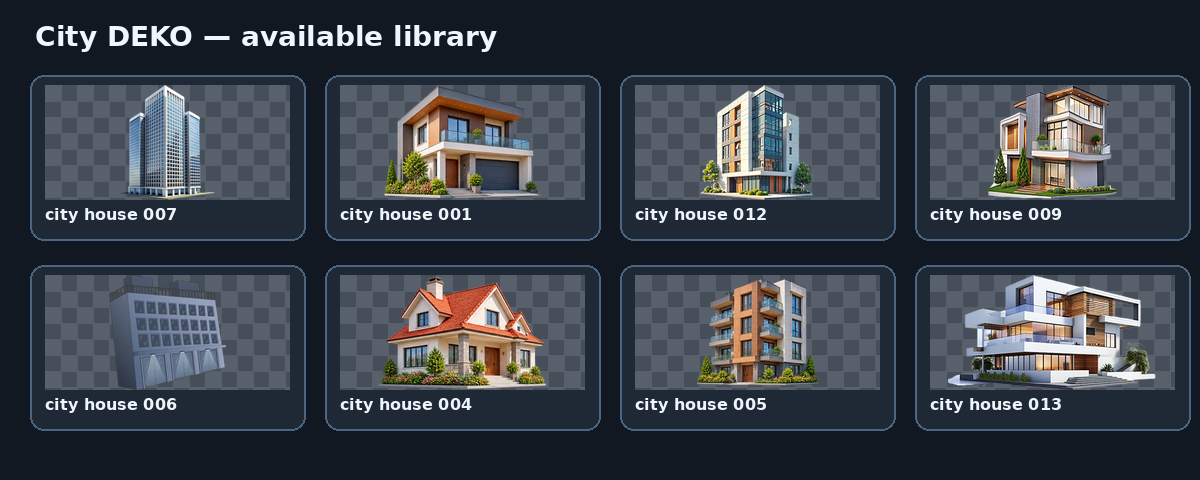
Buildings and urban roadside scenery.
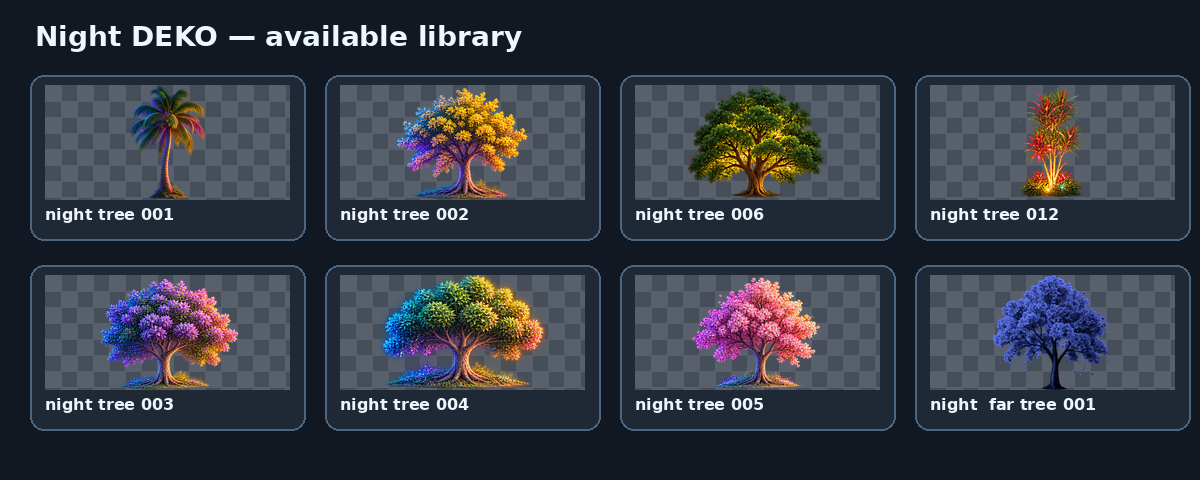
Night trees and illuminated scenery.
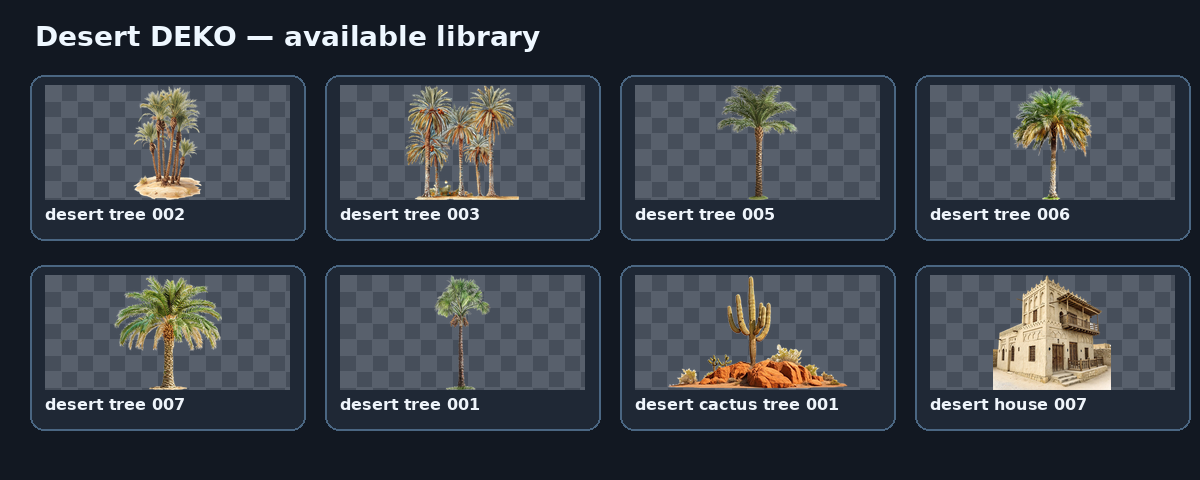
Palms, cactus, desert houses and dry-land scenery.
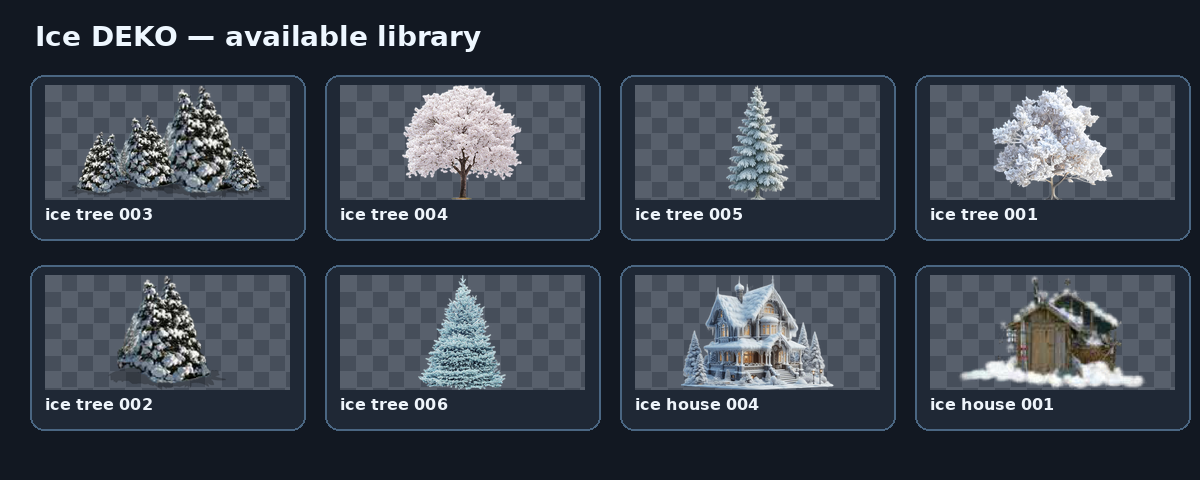
Snow-covered trees and winter scenery.
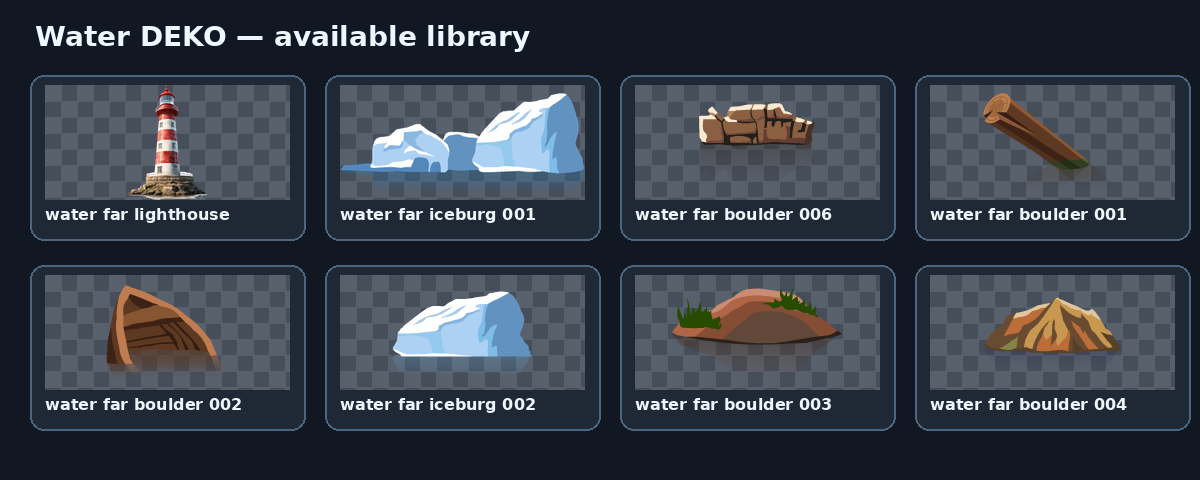
Lighthouses, icebergs, reeds and water-side props.
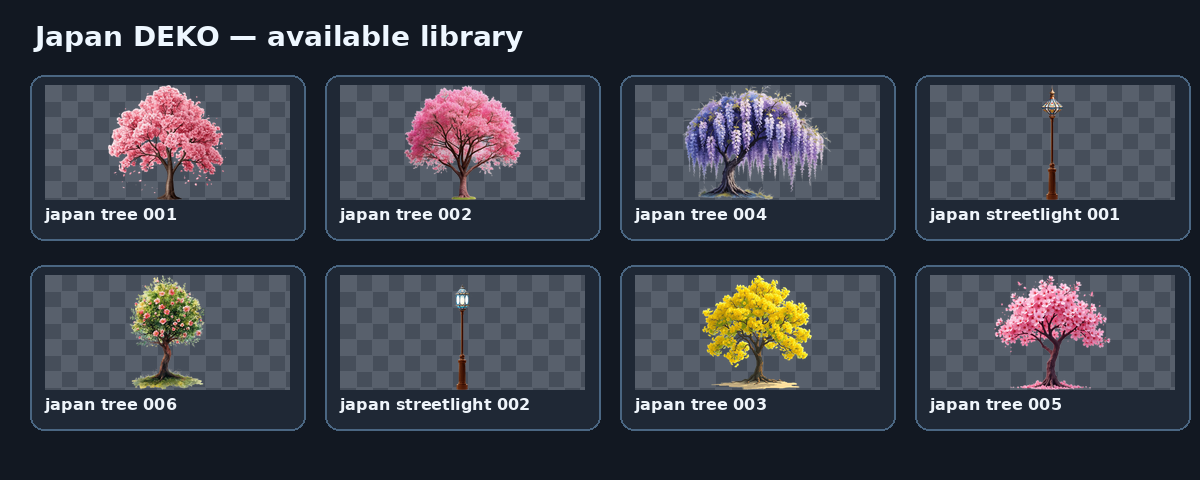
Japanese trees, streetlights and themed scenery.
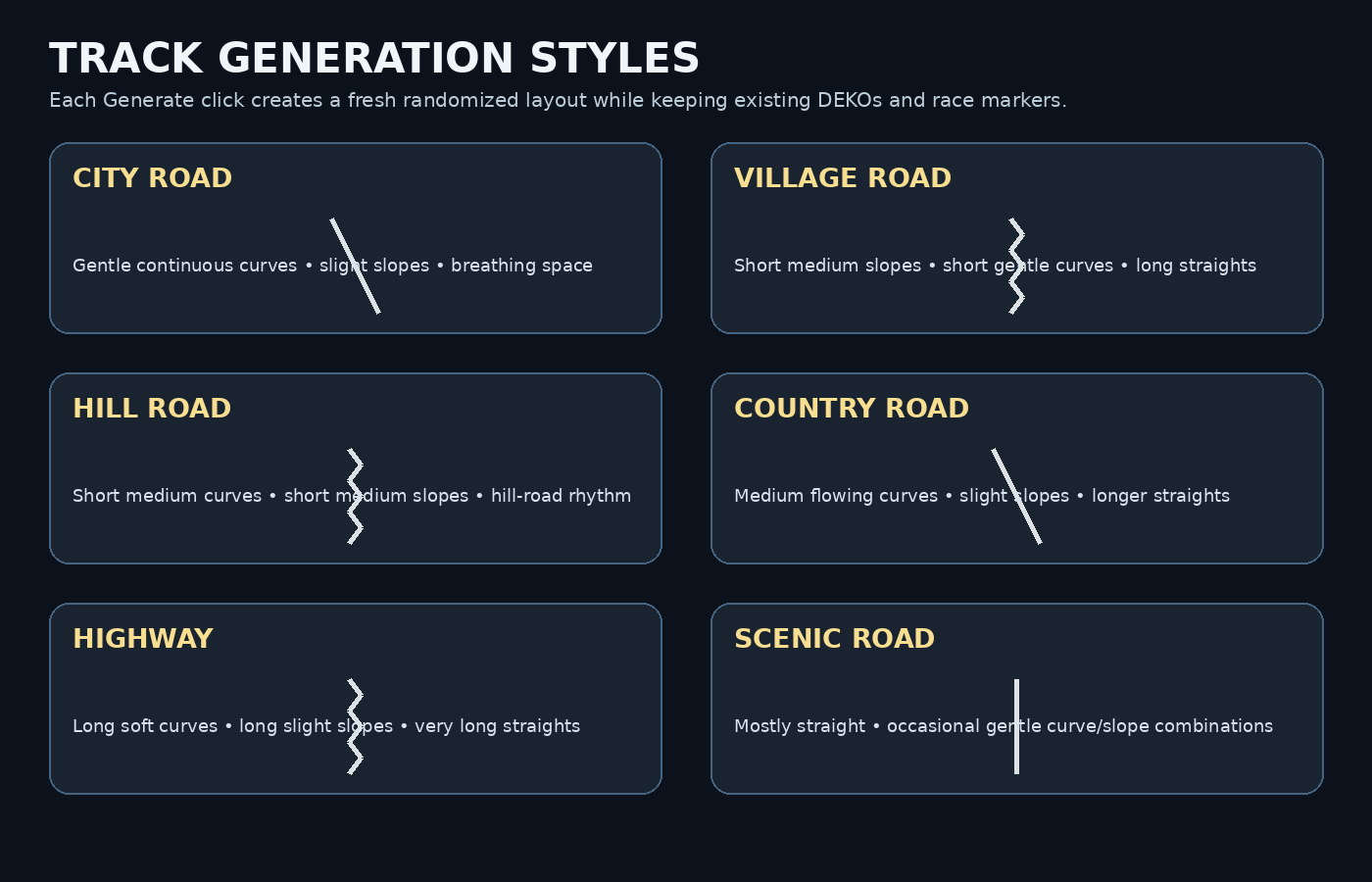
Try City Road for urban routes, Village Road for small settlements, Hill Road for smooth climbs and descents, Country Road for rural scenery, Highway for long flowing roads, or Scenic Road for a relaxed drive.
For extra control, Racer Settings can adjust rendering resolution, lanes, road width, camera height, draw distance, field of view, fog, vehicle scale and decoration depth. Press T to show or hide Racer Settings and E to enter the Level Editor.
Jump into PA1 Race 3D, try a route, or open the Level Editor and build something of your own.